
Posts
Total 5
Hello,
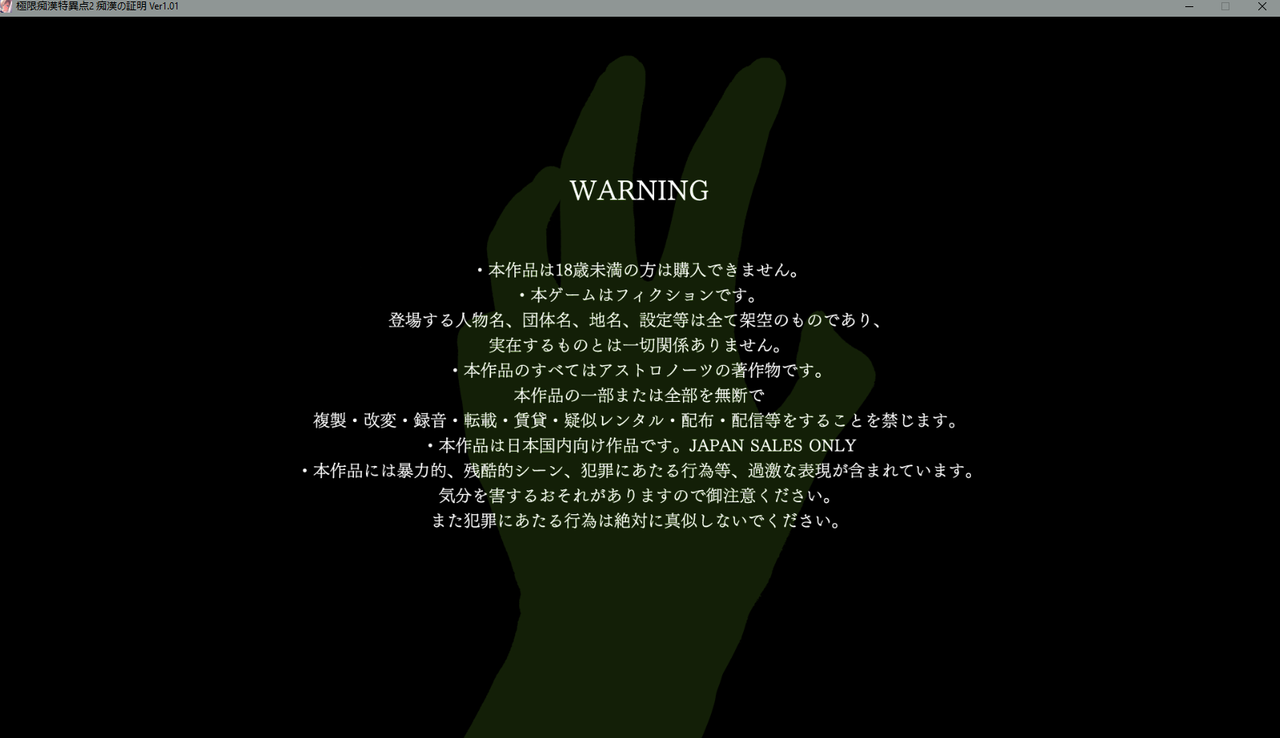
I have a problem running this game. When i launch the application the first screen with the astronauts siruis logo work but the next screen with the disclaimer freeze.
i'm on windows 10
japanese mode
japansese clock
the game is installed in a specific folder
i tried running as administrator
i tried with local emulator aswell
I have this problem with other astronauts sirius games aswell
If you have an idea please let me know
Thanks.
I have a problem running this game. When i launch the application the first screen with the astronauts siruis logo work but the next screen with the disclaimer freeze.
i'm on windows 10
japanese mode
japansese clock
the game is installed in a specific folder
i tried running as administrator
i tried with local emulator aswell
I have this problem with other astronauts sirius games aswell
If you have an idea please let me know
Thanks.

Hello,
There is a lot of issues with the Unity framework, but not universal workaround, let's see some tips:
[liste]
[puce]1# Make sure you have installed the Directx9 library just in case
https://www.techpowerup.com/download/directx-redistributable-runtime/" target="_blank" title="link" rel="nofollow">https://www.techpowerup.com/download/directx-redistributable-runtime/ [/puce][puce]2# Try to run it with Ntlea
https://www.h-suki.com/hswiki/doku.php?id=t_localetools_en#ntlea" target="_blank" title="link" rel="nofollow">https://www.h-suki.com/hswiki/doku.php?id=t_localetools_en#ntlea [/puce][puce]#3 If you have an nvidia card, go to the Nvidia Control Panel (the nvidia icon next to the clock), then set the Aspect ratio to No scaling. The setting can be found for other cards (like Intel integrated graphics or AMD), check this
https://steamcommunity.com/discussions/forum/1/1480982971174752598/?ctp=1" target="_blank" title="link" rel="nofollow">https://steamcommunity.com/discussions/forum/1/1480982971174752598/?ctp=1 [/puce]
[/liste]
There is a lot of issues with the Unity framework, but not universal workaround, let's see some tips:
[liste]
[puce]1# Make sure you have installed the Directx9 library just in case
https://www.techpowerup.com/download/directx-redistributable-runtime/" target="_blank" title="link" rel="nofollow">https://www.techpowerup.com/download/directx-redistributable-runtime/ [/puce][puce]2# Try to run it with Ntlea
https://www.h-suki.com/hswiki/doku.php?id=t_localetools_en#ntlea" target="_blank" title="link" rel="nofollow">https://www.h-suki.com/hswiki/doku.php?id=t_localetools_en#ntlea [/puce][puce]#3 If you have an nvidia card, go to the Nvidia Control Panel (the nvidia icon next to the clock), then set the Aspect ratio to No scaling. The setting can be found for other cards (like Intel integrated graphics or AMD), check this
https://steamcommunity.com/discussions/forum/1/1480982971174752598/?ctp=1" target="_blank" title="link" rel="nofollow">https://steamcommunity.com/discussions/forum/1/1480982971174752598/?ctp=1 [/puce]
[/liste]
thanks for the tip,
i had already installed directx9
but i do have an nvidia gpu and i will try with Ntlea
will tell you when i have time to try if it work.
thanks for the reply
i had already installed directx9
but i do have an nvidia gpu and i will try with Ntlea
will tell you when i have time to try if it work.
thanks for the reply
ok i changed the apsect ratio on the nvidia control pannel to no scaling but it still didn't worked.
But with ntlea it does work so i will use this
thanks again
But with ntlea it does work so i will use this
thanks again

2021-03-31 14:34
Hello,
I also have the same problem as the other user.
I tried all of your suggestions beside the last one, because my NVIDIA Control Panel only has 3D Settings available.
Unfortunately, nothing helped.
Do you have any other possible solutions?
I also have the same problem as the other user.
I tried all of your suggestions beside the last one, because my NVIDIA Control Panel only has 3D Settings available.
Unfortunately, nothing helped.
Do you have any other possible solutions?