Posts
Total 3
2021-07-17 07:33
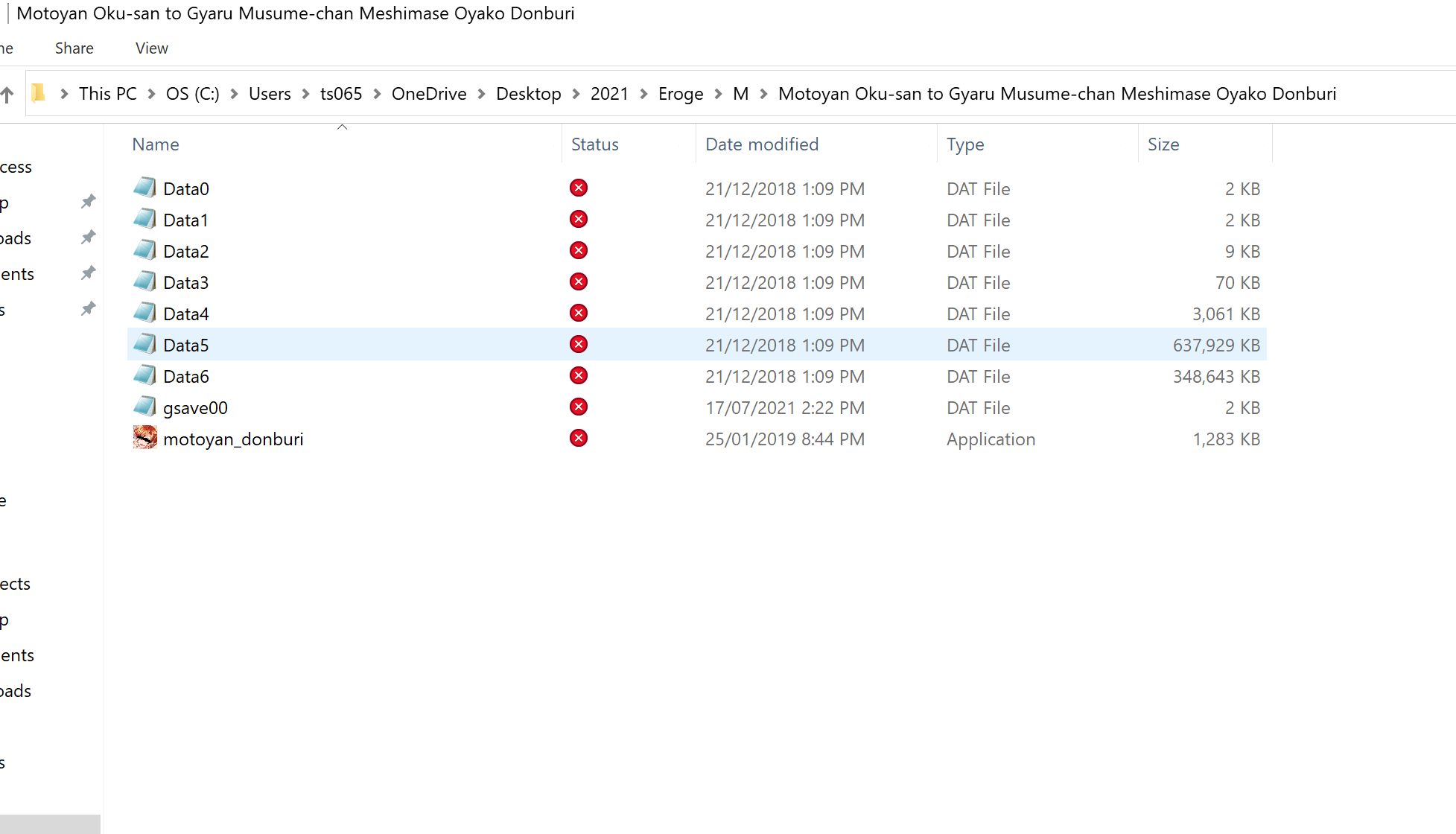
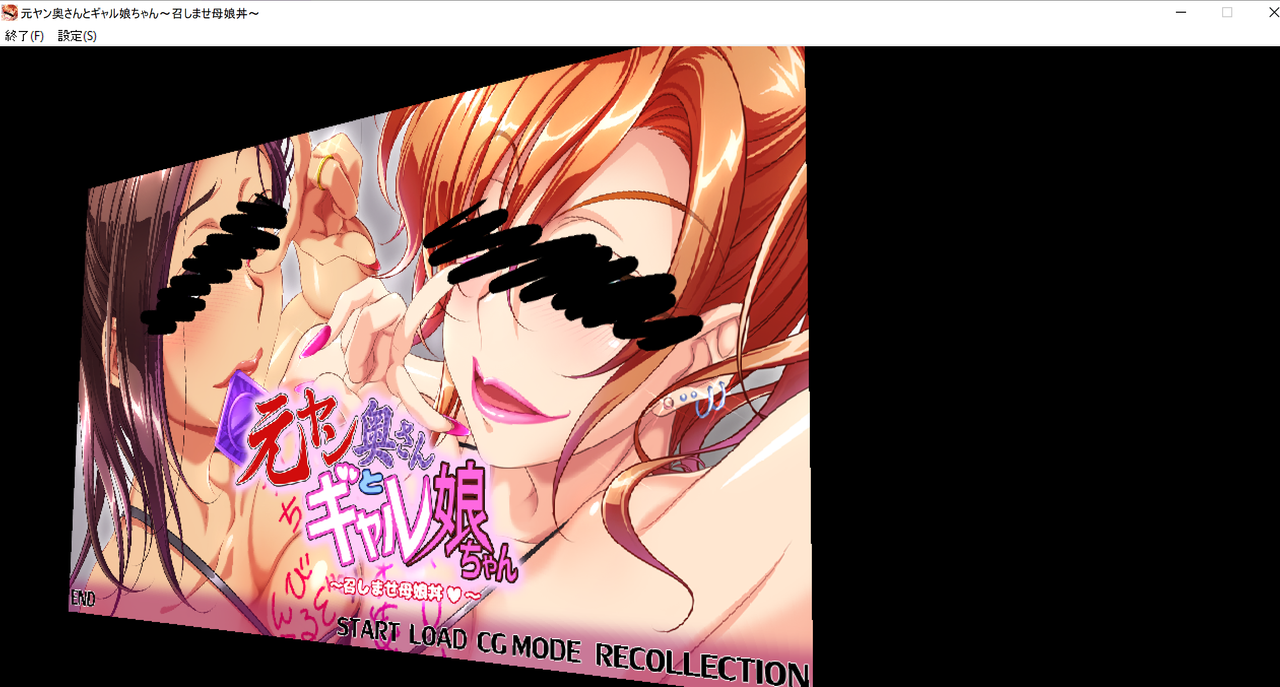
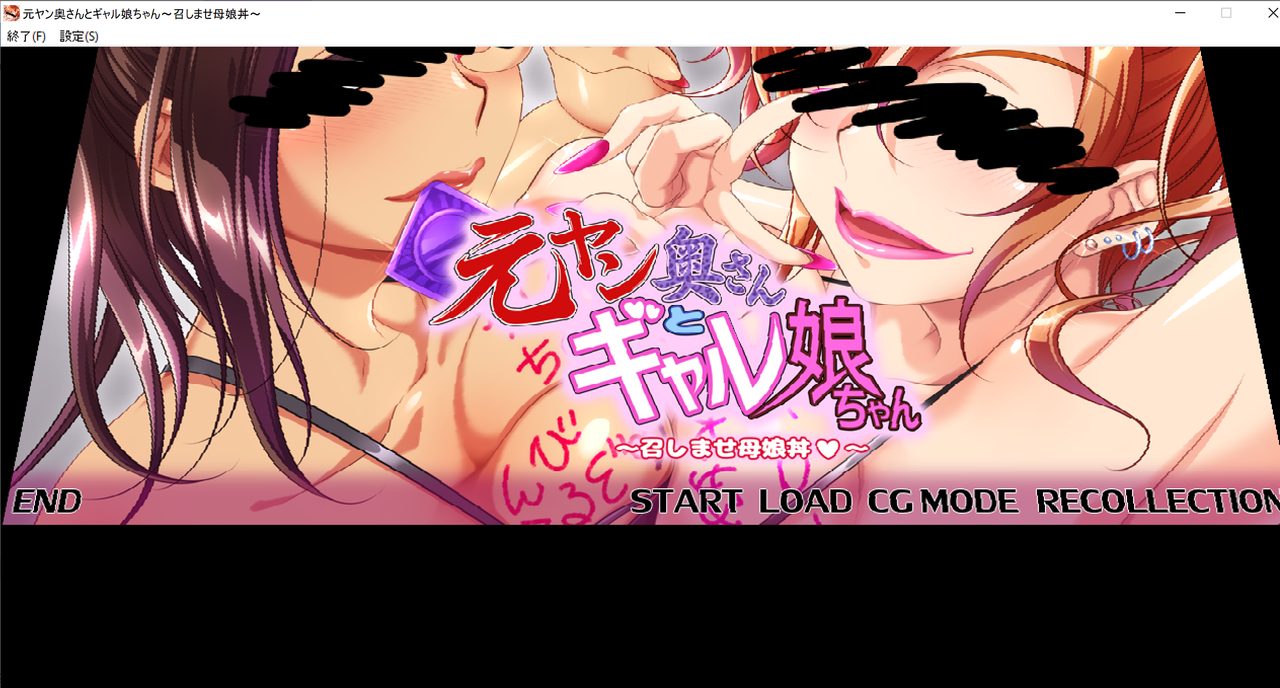
Tried all windows compatibility modes but none seemed to change it. After successfully extracting files, there was an exe file and the rest .dat files. ReadME said to just click on .exe file. After opening .exe file, (I'm using Japanese mode and admin), it shows the menu (music plays as well), but you can't click anything. Instead if you press arrow keys, you just rotate the image.
I have attached some of these images.
Hello,
Game tested again and the button START works for me (for both game).
Like you I have set Windows to JP + Admin mode.
But I have the format set to japanese (format tab from the region settings in control panel)
Game tested again and the button START works for me (for both game).
Like you I have set Windows to JP + Admin mode.
But I have the format set to japanese (format tab from the region settings in control panel)
2021-07-21 15:42
Ah I realise now that it was a fullscreen problem so using dxwnd I could minimise it to click start. Thanks!